


Bluetooth earbuds are acclaimed for having sufficient battery life, their portability, simplicity in charging, and strong Bluetooth range. They have been on the rise since 2016 and have since been having a cultural moment.
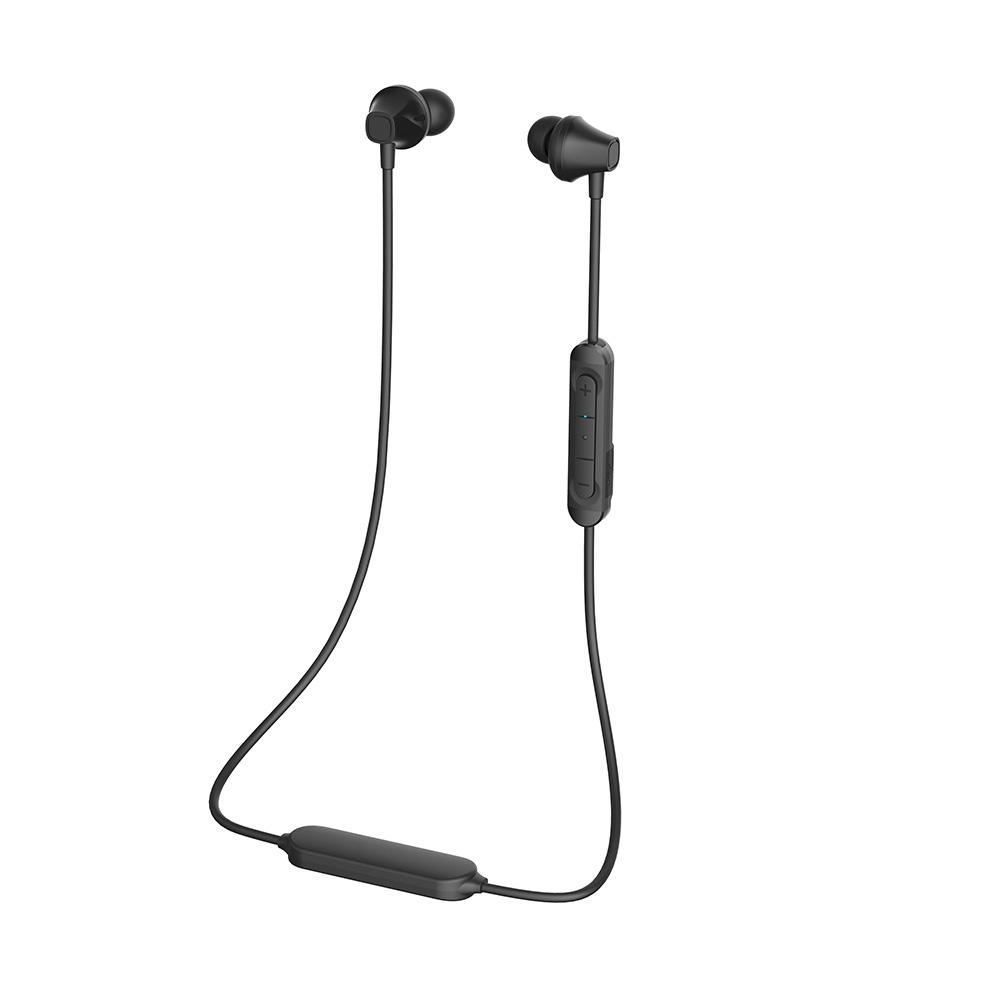
No matter whether you’re buying them as AirPods from Apple or they’re coming from another manufacturer, Bluetooth earbuds are wireless headphones capable of being used with any device capable of Bluetooth connection. They can be connected to your smartphone, your tablet, or your computer – as long as it’s equipped with Bluetooth.
To set up your Bluetooth earbuds on your devices, it’s a very simple process. The first thing you need to do is charge your wireless headphones. They’ll likely need to be plugged in via USB connection and they may take a few hours or more to get to a full charge.
The next step is to turn on your device’s Bluetooth capability. After they’ve been charged, turn on your Bluetooth earbuds and hold them close to your device. Go to your device and scan for Bluetooth connections. You should see your wireless headphones come up. If they don’t come up, scan again. As this is a new connection, it may take two or three scans for your device to locate your earbuds.
After they come up on your device, press ‘pair’. Within seconds, you’ll be connected and that’s that! If you’re using a smartphone, most smartphones are equipped to instantly connect to your Bluetooth earbuds as long as it’s on. This should make it easier to connect in the future.
There are several great features to consider when buying Bluetooth earbuds. The most obvious is no wires. Beyond this though, you can expect a long battery life, a sufficient Bluetooth range, some include a microphone, one-tap setup on most devices, and the ability to use your earbuds on calls as well as to consume media and listen to music without changing anything.
Now, there are Bluetooth earbuds which are completely wire-free. These are the most common model depicted in advertisements, in movies and TV shows, and elsewhere. There are also Bluetooth earbuds connected by a wire which generally hangs over the back of your neck.
Although some of the features may change depending on the manufacturer and type of Bluetooth earbuds, the connection method is always going to be the same. Charge it, turn it on, activate your device’s Bluetooth, and pair it. It’s that simple. Browse a wide range of wireless Bluetooth earbuds from Canada’s own PrimeCables and choose from wire-free or wired connections.
