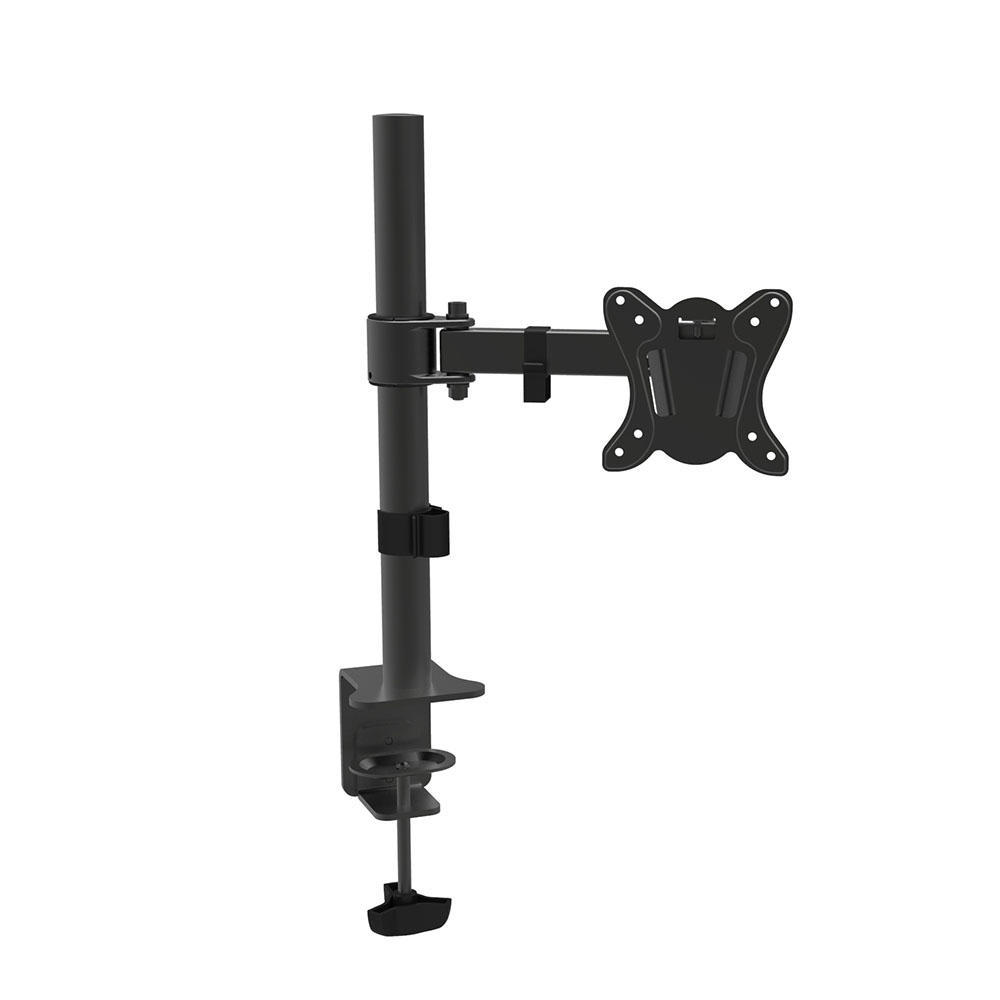
Finding the right monitor mount, desk mount, or monitor arm is so much easier when you know exactly what you’re looking for. A VESA monitor mount lifts your monitor from the desk and connects it to a metal arm that is then affixed with screws to your desk.
What Does VESA Mean?
VESA is a measurement. It refers to the back of the screen and defines the distance in millimeters between the horizontal distance and vertical distance. VESA is used in mounts and mounting systems.
Where Can I Find My Monitor’s VESA Specification?
Your monitor’s VESA specifications should be indicated on the back of your monitor. Ensure your mount’s of the right VESA specification. The only way you can mount a monitor is by using VESA measurements.
Are Monitor Mounts Universal?
Every monitor mount comes with different requirements for weight and in VESA specifications. Monitor mounts are not universal in this sense. The two things that matter most when selecting a mount are weight and the VESA measurements.
Can My Desk Handle A Monitor Mount?
Any computer desk can handle a monitor mount if it is built well. Some desks end up carrying multiple monitor mounts, including single arm mounts, triple mounts, and more. For gamers, musicians, photographers, creators, and people working from home, monitor mounts serve incredibly well.
Can You Mount A Curved Monitor?
Curved gaming monitors can be difficult to mount. Flat screens are flush with anything adjacent and do not require much in terms of a mounting plate. For a curved monitor, though some can be mounted, do check to verify that the monitor mount you’ve selected is appropriately designed for the job.
Do I Need Special Screws to VESA Mount Monitors?
No, you do not need special screws to mount a monitor. That said, we recommend using the manufacturer’s screws. They are almost always a guaranteed fit and are best for the job.
Is It Safe to Mount Multiple Monitors on the Same Mount?
You may look at a dual monitor desk mount or triple monitor mount and wonder how safe they are to use. As long as you follow the weight specifications, you shouldn’t have any trouble mounting multiple monitors. There are even some desk mounts that accommodate six or more monitors! If your desk and mount are built well, don’t hesitate as long as your monitors are within the specifications given.
Find Canada’s best monitor mounts with VESA specifications ranging from 50mm to 100mm for single monitors, dual monitors, three monitors, four monitors, or six from PrimeCables.ca. Shop your favourite desktop mount today and build the ultimate work-desk, gaming station, or entertainment center.