


As many of us will be working remotely for the foreseeable future, ensuring your home office is comfortable will be key to your productivity and job satisfaction. Ergonomics focuses on minimizing unhealthy stress on the body. Unfortunately, mistakes are easily made.
If you’ve thought of your home office as a short-term solution, chances are it might not be anymore. Here are some of the most common ergonomic home office mistakes and how to resolve them. Let’s get to creating the perfect home office for you.
Using A Laptop All the Time
A desktop monitor has more value to a home office setup than a laptop does. This is because monitors are external and can be positioned in a neutral position to the neck and spine, compared to a laptop which ties the keyboard at all times to the screen. If you’re going to continue working from home, consider separating your keyboard, mouse, and monitor to appropriately position each in comfortable locations.
Hunching Over A Desk All Day
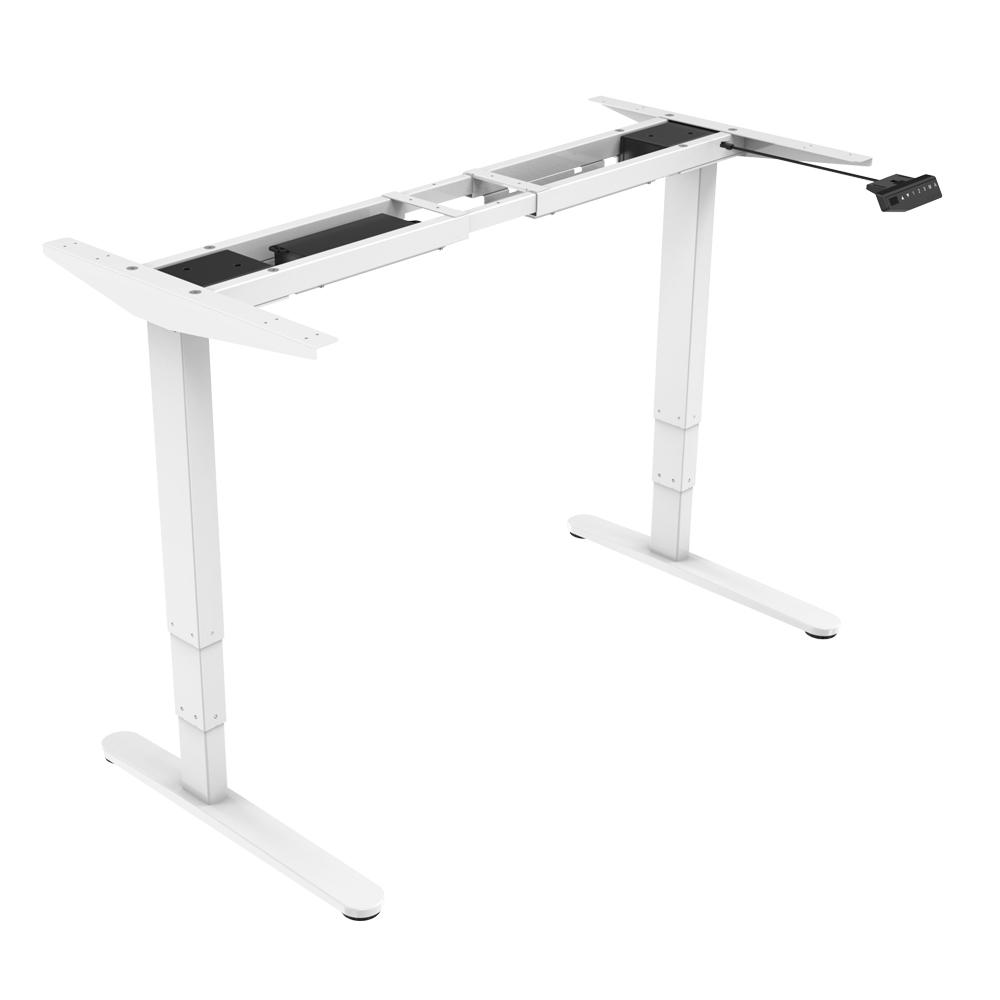
A fixed-height desk usually means you spend a part of your day leaning over in an unnatural position to type and work. The ideal solution is to purchase a sit-standing desk. Adjust it to the height you need and move your position from sitting to standing without affecting your work.
Too Long in the Same Position
Just like hunching over for an extended period of time can be uncomfortable, so can sitting, standing, or maintaining the same position or too long. This further supports the use of sit-stand desks, treadmill desks, or even getting up every hour to do a few quick stretches and get the circulation going.
Using a Non-Office Chair
A low-quality, broken-down chair is uncomfortable to sit in regardless of whether you’re completing work or having dinner. Ensure you have a proper home office chair. If this isn’t appropriate for your budget this month, no worries. Grab a small bath towel, roll it up, and positioning it in the small of your back, when you lean back you’ll be properly supporting your lumbar spine.
Positioning Your Desk in Front of A Window
Although windows are wonderful for non-home office spaces, positioning a home office workstation right in front of a window is a bad move. The backlighting can cause glares and increase eye strain or eye fatigue. Ensure you are open to re-positioning your desk if a window proves distracting.
This summer, drop by PrimeCables.ca to find ergonomic home office desks, monitor mounts, accessories, and other products to help you avoid these and other common mistakes. As Canadians continue to work home, it’s going to be key to ensure our home offices are set up appropriately and to minimize the health risks involved.
Photo by bongkarn thanyakij from Pexels


