Depictions of gamers in media, films, and advertising usually have them seated in front of dual monitors.
Do they actually need two monitors to game – no, not necessarily. No games require a dual monitor setup per se.
Do two monitors make the gaming experience a lot more enjoyable and easier to work – absolutely.
Browsing PC gaming accessories, consider the benefits you can get from two monitors. All you require to get set up is two monitors, of course, and a monitor mount. From there, you’re set. Everything you need comes in at under a few hundred dollars and with that, you completely change how you game.
In helping you decide whether you need two monitors for gaming, ask yourself these questions.
Do You Multitask While Playing Your Game?
If you sometimes do web browsing, watch videos, or like to have game information or walkthroughs up while you’re playing, another monitor on the table is more real estate and a much easier way to do that than with a ton of links on your desktop.
Do You Do Twitch Streaming When You Game?
If you like to do Twitch streaming while you game, a second monitor allows you to view chats, respond in real-time, and see other streaming tools. It gives you more freedom to play and communicate with other users or make changes to your settings as you go along.
Do You Enjoy Playing With Friends?
If you are indulging with multiple people on the controls, two monitors for gaming allows more visibility.
Do You Have Enough Space On Your Desk For Two Monitors?
A reason why a lot of gamers don’t get two monitors to start is because they’re worried about space. A single monitor takes up enough space. Now add in another. You don’t have a lot of area remaining.
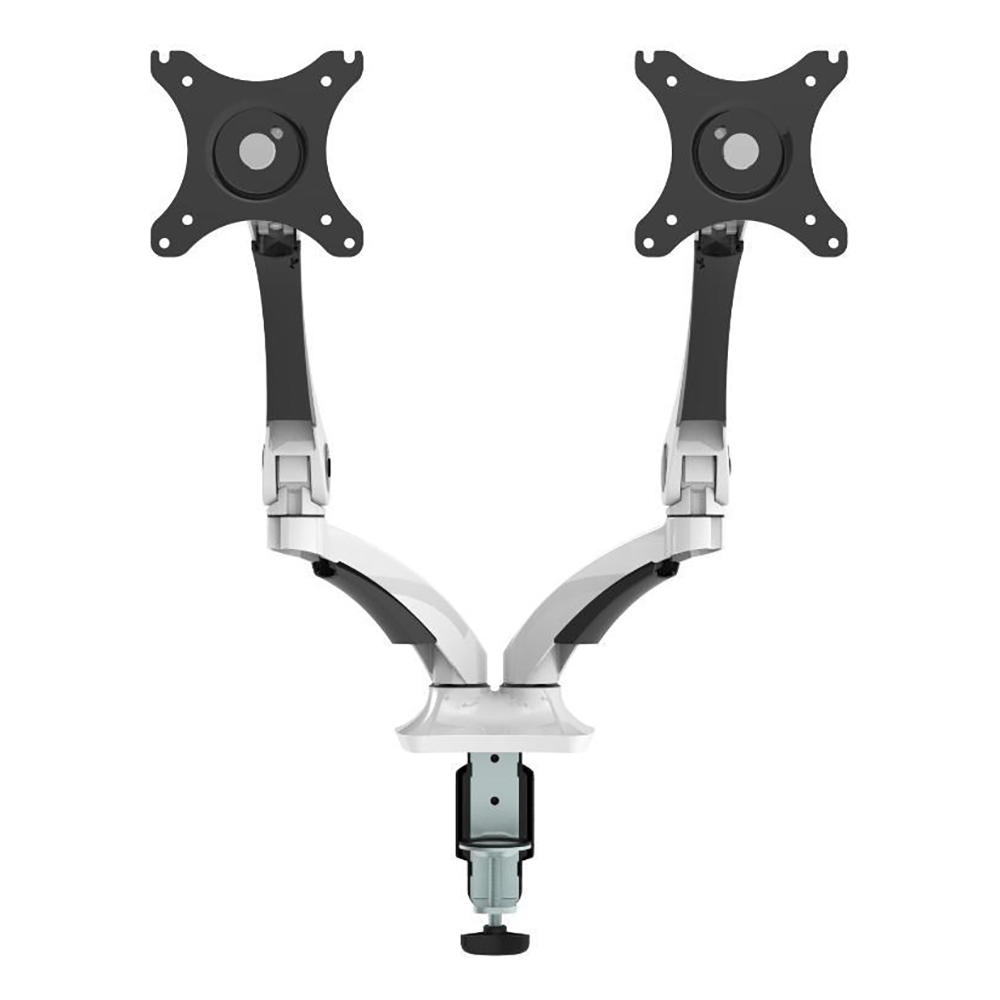
An absolute necessity if you have two monitors for gaming is to buy a dual monitor mount. You elevate both monitors to the height you like and free up the space underneath them. It’s a massive win.
Is It Hard Getting Set Up With Two Monitors?
To set up two monitors, you just have to make sure they are connected to your computer. Afterward, in the ‘Control Panel’ settings, it is only a few clicks to get both monitors working in tandem.
If you’re looking to buy a dual monitor desk mount or shop two monitors for your gaming PC ergonomic desk, visit PrimeCables.ca today. You will have a much more balanced experience gaming at a gaming desk equipped with the accessories you want. Check out the deals at PrimeCables.ca!