A single monitor is limiting. For some work, two monitors are unquestionably better than one. Providing double the visual space, you can move what you’re working on around, reduce the clutter, and relax a bit more.
Two monitors can take up a lot of room. This can be disastrous for small workstations. A dual monitor desk mount is your best bet at having a two-monitor work setup. Here are some of the reasons why.
More Desktop Space
You instantly double your monitor area while reducing the desktop space that would otherwise be taken by the placement of monitors. This provides you more place to put devices, work accessories, paperwork, and more.
Work Faster, Be Productive
Instead of struggling to get done what you need on a single monitor, you can work at a faster pace. You can segment work, place what you need to see where, and assign monitors specific tasks or purposes.
Easy To Install
Although some desk mounts are different, many of the best dual monitor desk mounts install through desk clamps. They’re very easy to put on, without any issue. It can be done in a few minutes or less.

Full Motion Moves Your Screen
A monitor desk mount with full motion features means you can adjust the viewing angle and optimize your work in a way that’s not possible if the monitor’s flat on the desktop. A full motion articulating arm and similar design additions vastly expands what you can do at your workstation.
Turn To Ergonomics
As you rotate, swivel, tilt, or adjust the position of your computer monitors, you create a more ergonomic work setup. As you prioritize ergonomics, you will start to discover you can work for extended periods of time, more efficiently, and walk away with fewer aches and pains.
Provides Easier Cable Management
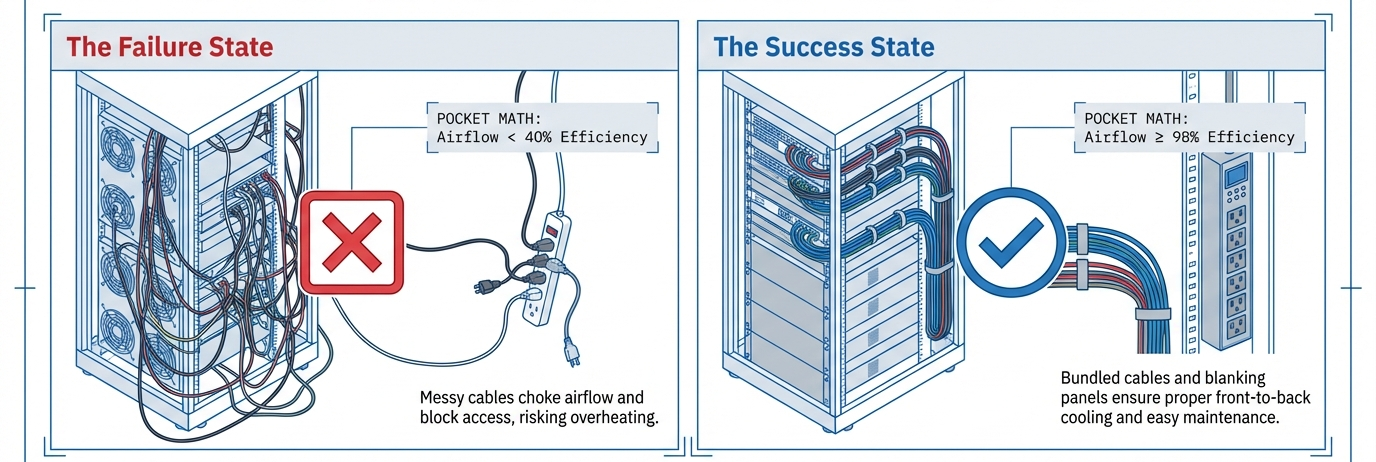
A computer has lots of cables. That’s no secret. A monitor mount takes those cables up and off your desk, and hangs them down the back of the desk instead. This improves the look of your workstation and helps make things a little more organized.
Use It On A Sit-Stand Desk
A dual monitor desk mount can be used on a standing desk, height adjustable desk, or on more or less any desk. As it’s a screw-on clamp, you can use it on wood, glass, or largely any material.
It’s so much more fun with two monitors! A dual monitor desk mount allows you to grow your workstation effectively and safely hold your monitors up at an ergonomic position. Check out monitor mounts for multiple monitors at PrimeCables.ca today.