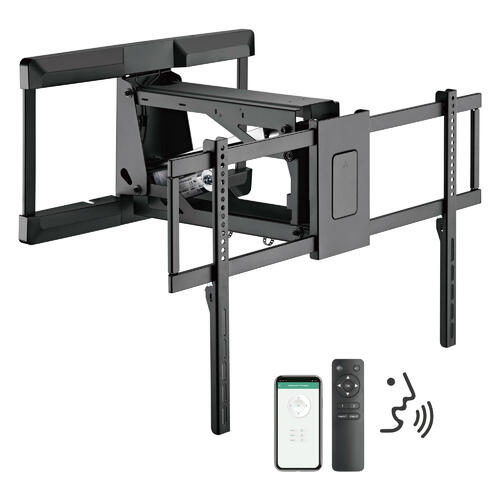
Installing a TV wall mount involves first knowing which mount is most appropriate to buy. By knowing the dynamics of the room you are working with, how large your flat screen TV is, and what kind of motion you require from a mount, that’s the first step. After you have all this worked out, and have your TV wall mount purchased and ready to go, the next steps are not time-intensive but they are important.
Installing a TV wall mount involves carefully following some otherwise very simple steps. The first part of the process involves choosing a location for the mount and to identify what viewing height you want. In this same breath, search to locate the studs in the wall. The studs are what will be supporting the weight of your TV so it is imperative that each stud’s center is found and marked with a pencil. From here, indicate with a pencil where the corners of your TV will be when it is positioned in the wall. In this part of the process, you want to ensure that the holes on each mounting arm correspond to the center of each wall stud.
When it comes to positioning the wall mount, use a level to ensure that it is evenly placed prior to any drilling. Then, use a power drill to drill the pilot holes to be used for wall bracket screws or bolts. From here, you can attach the wall bracket to the wall. Attaching the mount to the wall can then be completed, holding the mount against the wall and drilling the screws to attach into the pilot holes. Be sure to check that it’s level once it is mounted prior to continuing.
After the mount is installed on the wall, you’re ready to attach the mounting plate to the TV and then install the TV against the wall. It is always recommended, especially the larger the flat screen is, to have a second person help you with the installation of the TV into the mount. This is because it requires one person to lift the TV and another person to interlock the brackets. Attempting this alone may result in injury or damage to your property. Ensure the mounting arms are locked and do a quick confirmation across all points of connection to ensure they are locked securely.
Installing a TV wall mount is not difficult but it does take precision to get it right. Be sure to adhere to the manufacturer’s instructions with your TV wall mount and always put safety first!