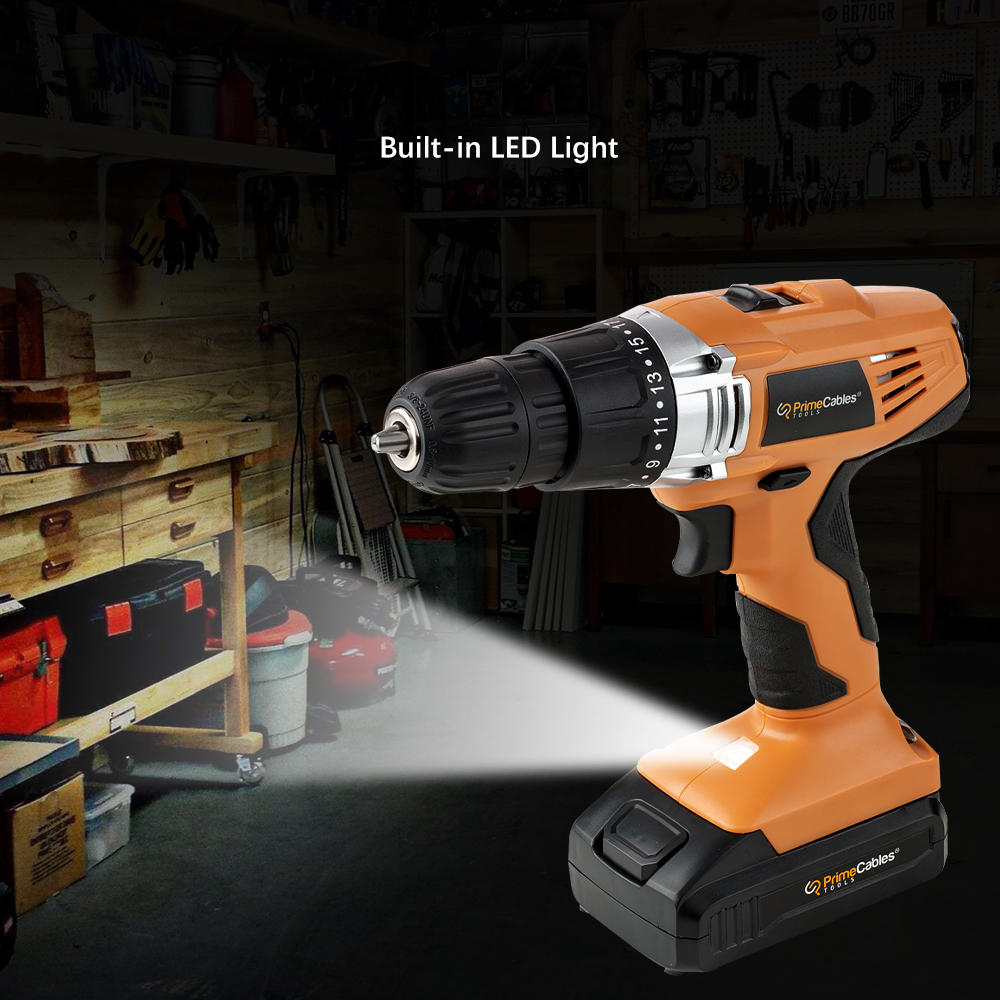
A diverse multi-tool, a cordless power drill can do a range of things with different bit sizes and types. If this is your first power drill and you’re wondering how to use it safely, here is how to proceed. Before you take on a project or repair with power drill in hand, here are some tips on using a cordless power drill.
Charge Your Cordless Drill
A drill doesn’t work well when it’s on low-battery. Before you work on any project, charge a cordless power drill to full battery. Check the manual to ensure you are charging it correctly. Charging should also always be done with the correct charger.
Use Safety Equipment
Any time you use your power drill, no matter on what, wear safety glasses, a respirator, and/or protection for your hearing. You want to protect these vulnerable areas from damage due to materials flying off your drill, dust, and noise.
Use Painters Tape
When you have to drill to a certain depth, use painter’s tape to mark where on the drill bit. This saves a ton of worry and reduces the likelihood of damage to your material as well as anything around it that may be at risk. It is the best way to use a power drill.
Use Plywood Underneath
Use a scrap piece of plywood to put underneath what you’re working on. This way, if you accidentally drill through your material, you won’t wreck the drill bits and the back of your work material is also less likely to splinter or damage this way.
Use the Right Drill Bits
Every drill has a bit size indicated on it. This is the maximum bit size that fits your drill. Do not use above that.
How to Change Drill Bits in A Power Drill
How to change drill bits in a drill is easy. Loosen the chuck to fit the shank. Insert the bit. Tighten the chuck securely around the shank. With some drills, you may need a key to loosen and tighten the chuck.
Clear Away Debris
For every quarter-inch you drill into a piece of wood, back the bit out slightly. This will help clear away any debris that is accumulating in the hole. You can also drill faster this way and keep the drill bit cooler. Due to the speed, a drill bit heats up quickly and this in turn can wear it down. Backing out now and again is a solid strategy to adopt.
Should I Use A Clamp?
To work fast, efficiently, and safely, clamp down the piece of wood or material you are working on.
Know What Speed to Use
The more you press down on the trigger, the faster the drill spins. High speeds are for drilling. Low speeds are for driving. At a low speed, you get more power and torque which can be helpful drilling through harder-than-average materials.
Shop cordless power drills and more at PrimeCables.ca today. You can work on all sorts of materials with a power drill. It’s a key DIY tool to keep on hand for when you need it most.